
To trade on Deriv Crypto Exchange, fund your main Deriv Wallet, open the Crypto section from Trader's Hub to automatically set up your account, transfer your desired funds into your Exchange Spot account (or into Futures for leveraged trading), and place market or advanced orders.
This step-by-step guide walks you through what you need to prepare and how to start trading in six easy steps.
Before you start
A few things to check before you begin:
- You'll need a Deriv real account. There's no demo account for Crypto Exchange. Basic profile information is enough to get started. Full identity verification isn't required initially.
- Your Exchange account creates itself. You don't sign up or log in separately. It's created automatically the first time you interact with the Crypto section, using your existing Deriv sign-on.
- Spot and Futures are separate balances. Deposits and withdrawals only happen through your Spot account. To trade Futures, you transfer funds internally from Spot to Futures.
- You can't fund the Exchange directly from an external wallet yet. All deposits and withdrawals go through your main Deriv Wallet first, and withdrawals are paid out using your usual Deriv withdrawal method.
How to trade on Deriv Crypto Exchange
The whole process takes just a few minutes.
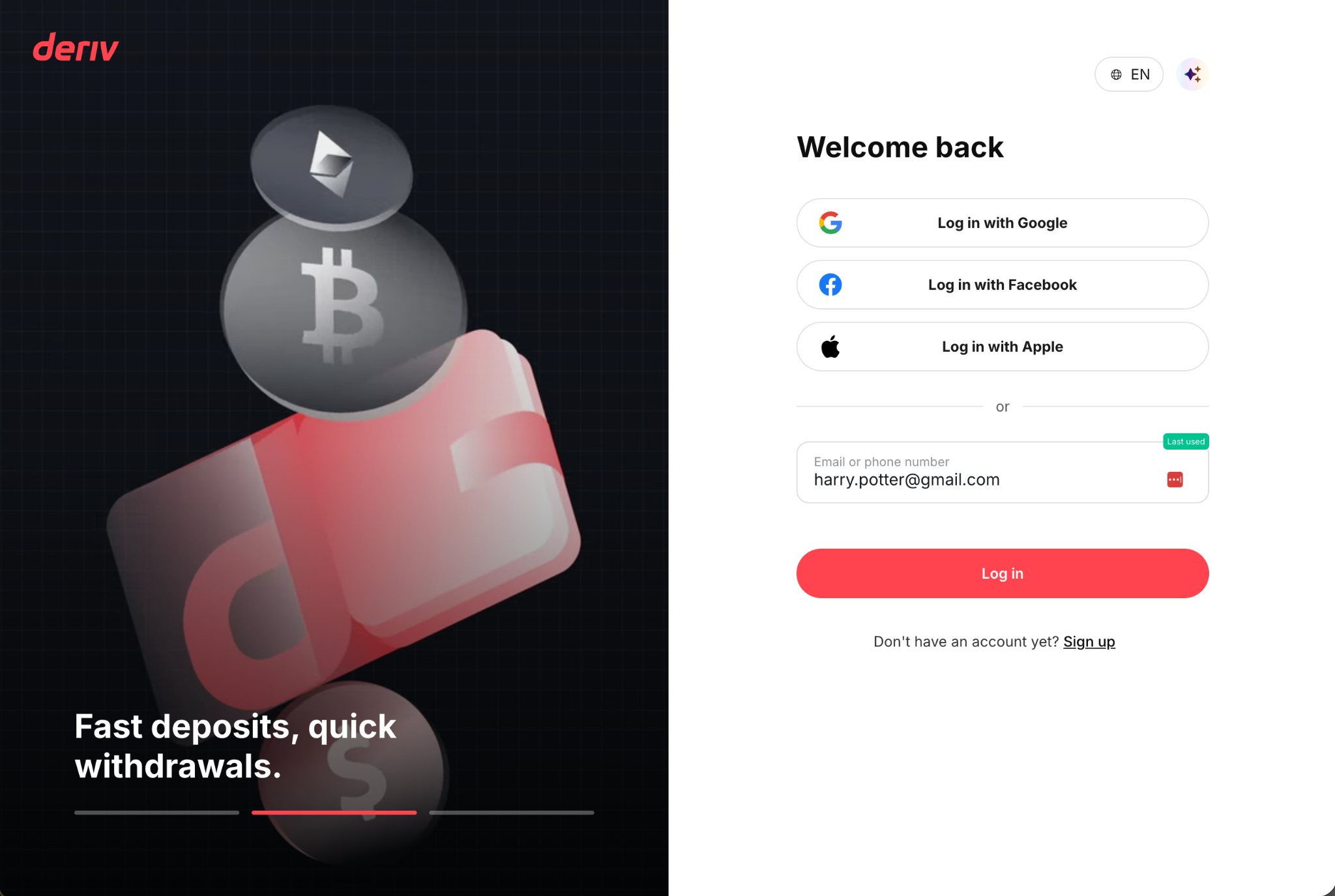
Step 1: Create or log in to a Deriv real account
Sign up for, or log in to, a Deriv real account with your basic profile details. Full identity verification isn't required to get started.
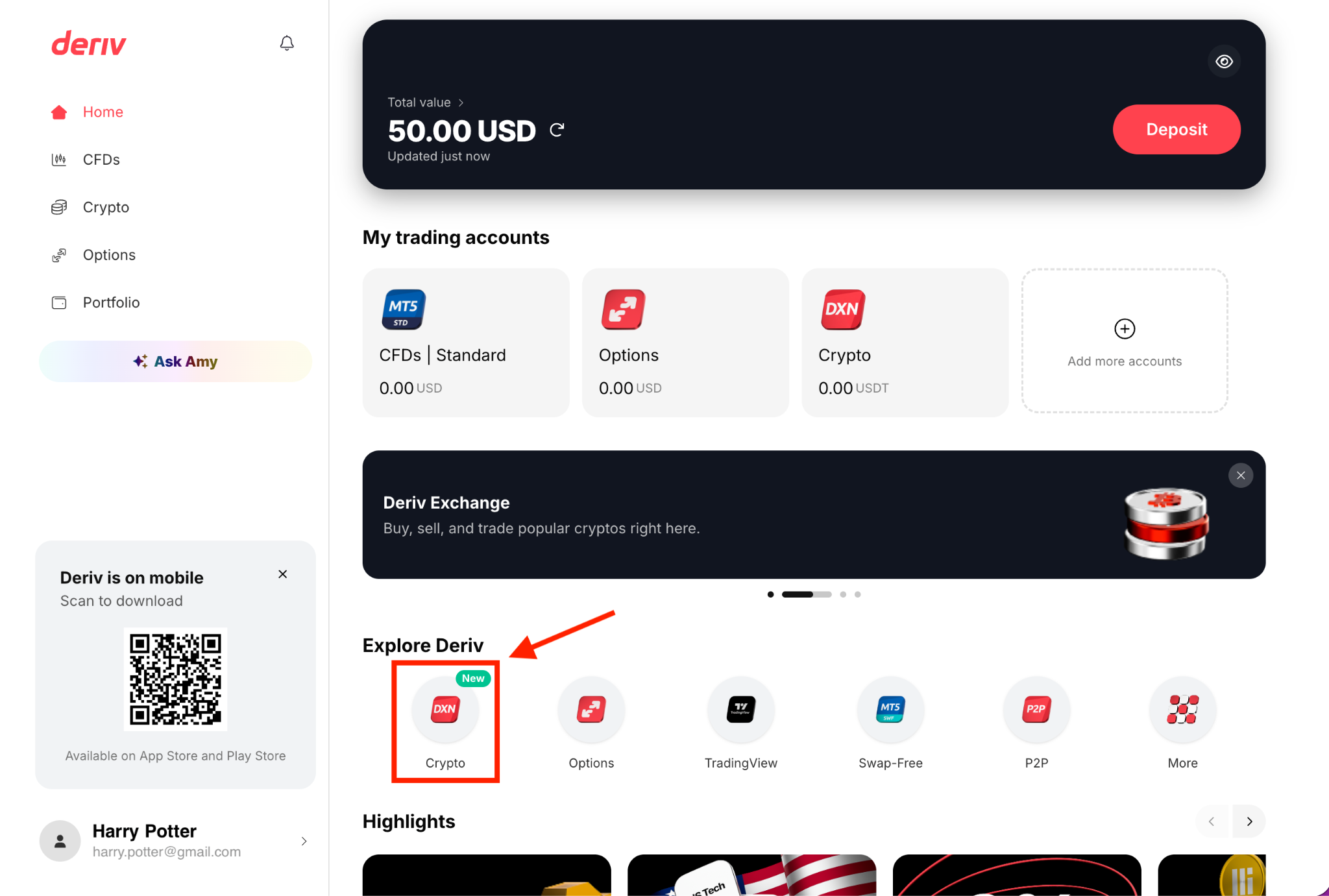
Step 2: Open the Crypto section from Trader’s Hub
From Trader's Hub, find the Crypto tile under the Explore Deriv section. Your Exchange account is created automatically the moment you interact with it. There's no separate registration or login step.
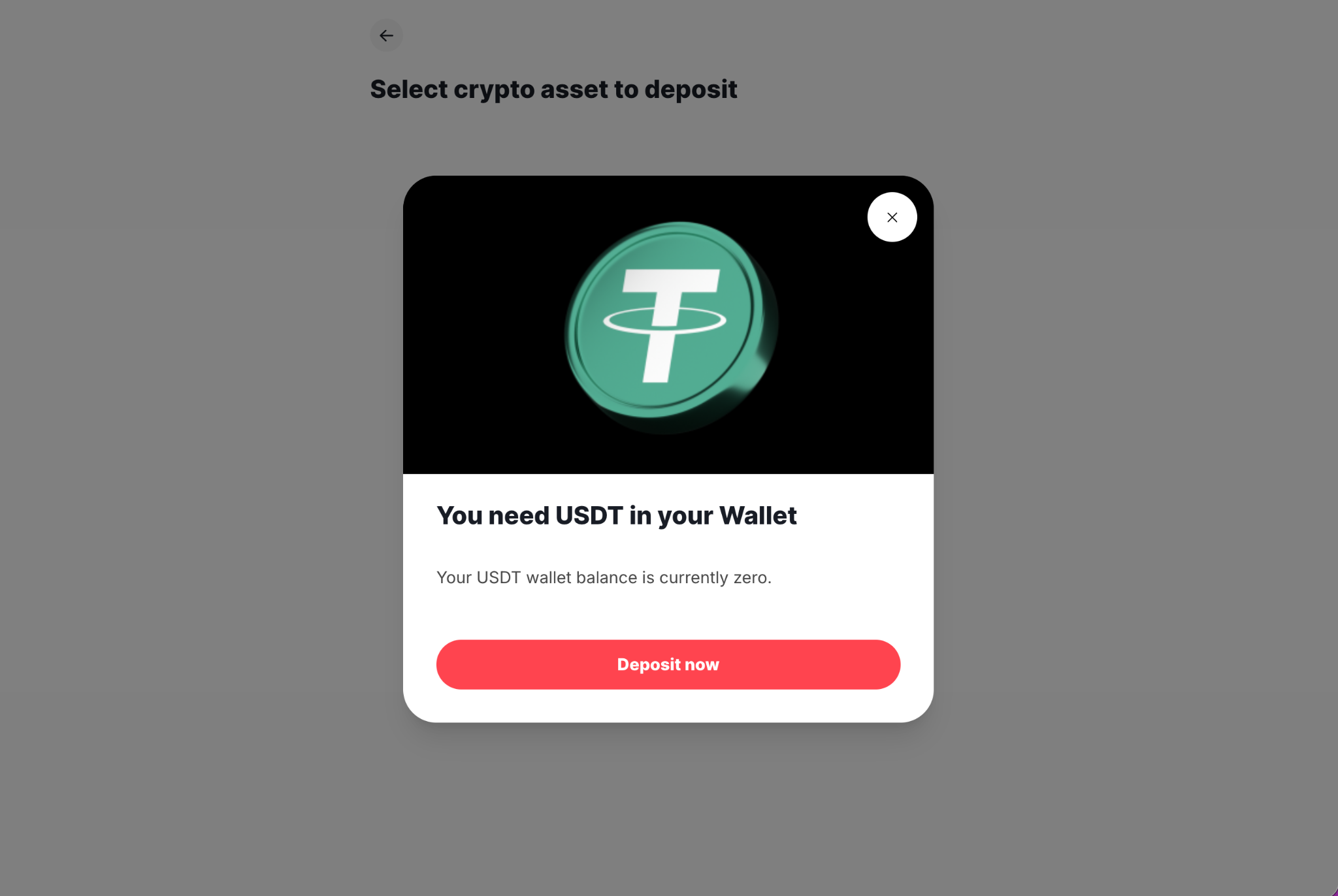
Step 3: Deposit funds into your Deriv Wallet
Use any existing Deriv deposit method (bank transfer, e-wallet, or on-chain crypto deposit) to fund your Deriv Wallet. This is the entry point for all funds heading to the Exchange. In the Crypto tab, tap Deposit and select the asset you want.
Step 4: Transfer funds from your Deriv Wallet to the Exchange
Once the deposit is done, transfer funds from your Deriv Wallet into your Exchange Spot Account.
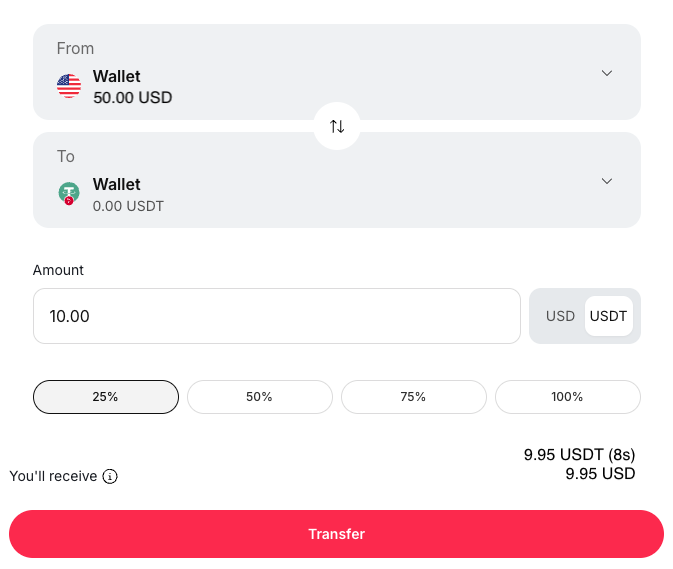
Remember: You can't transfer directly from an external crypto wallet to the Exchange yet. Everything routes through your Deriv Wallet first. If you deposit USD, it's automatically converted to USDT at no extra fee.
Step 5 (Optional): Fund your Futures account
You can find the Futures section by tapping Explore on the banner labelled "Futures trading."
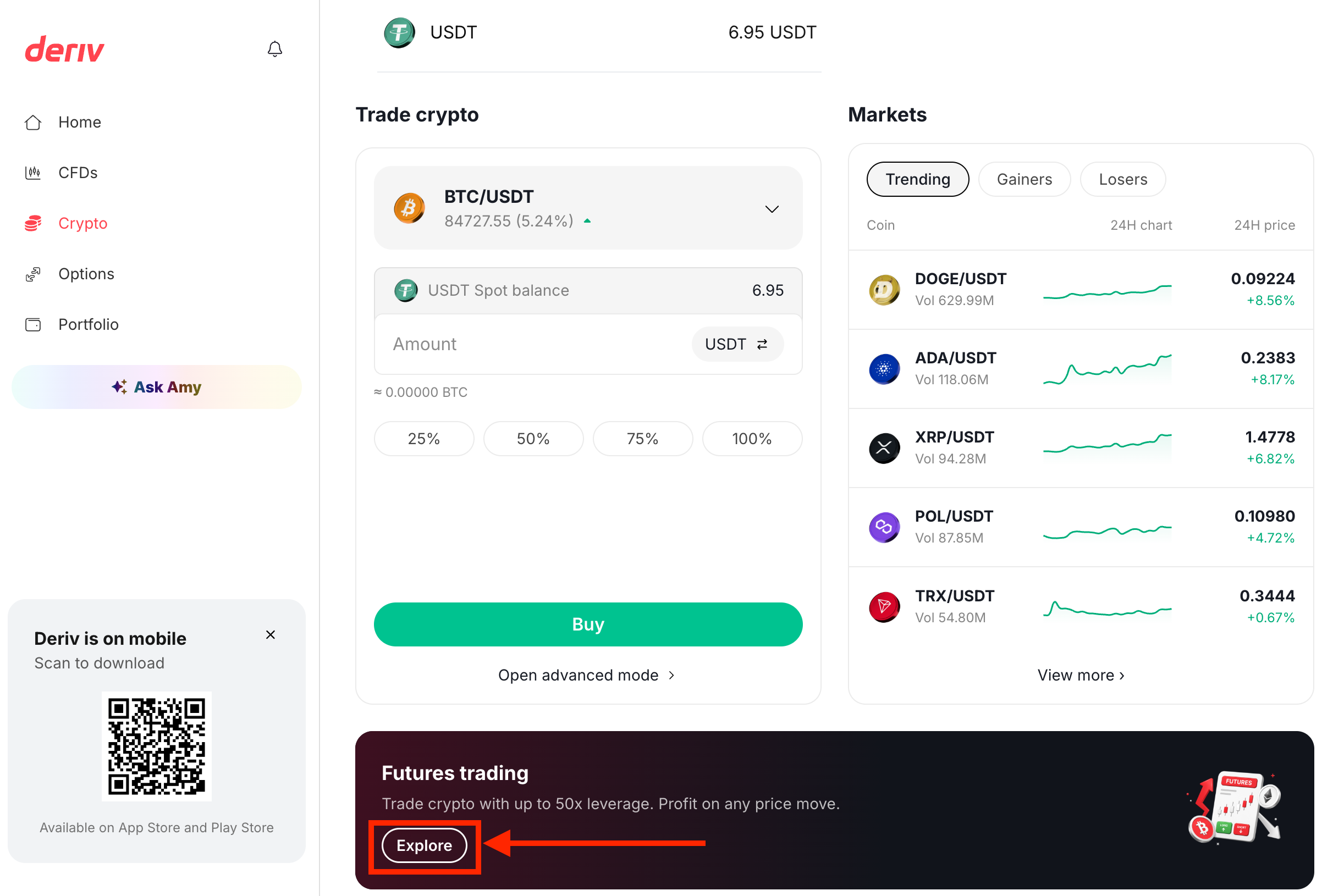
Once you're there, you can top up your Futures account using the Futures button or the Transfer option.
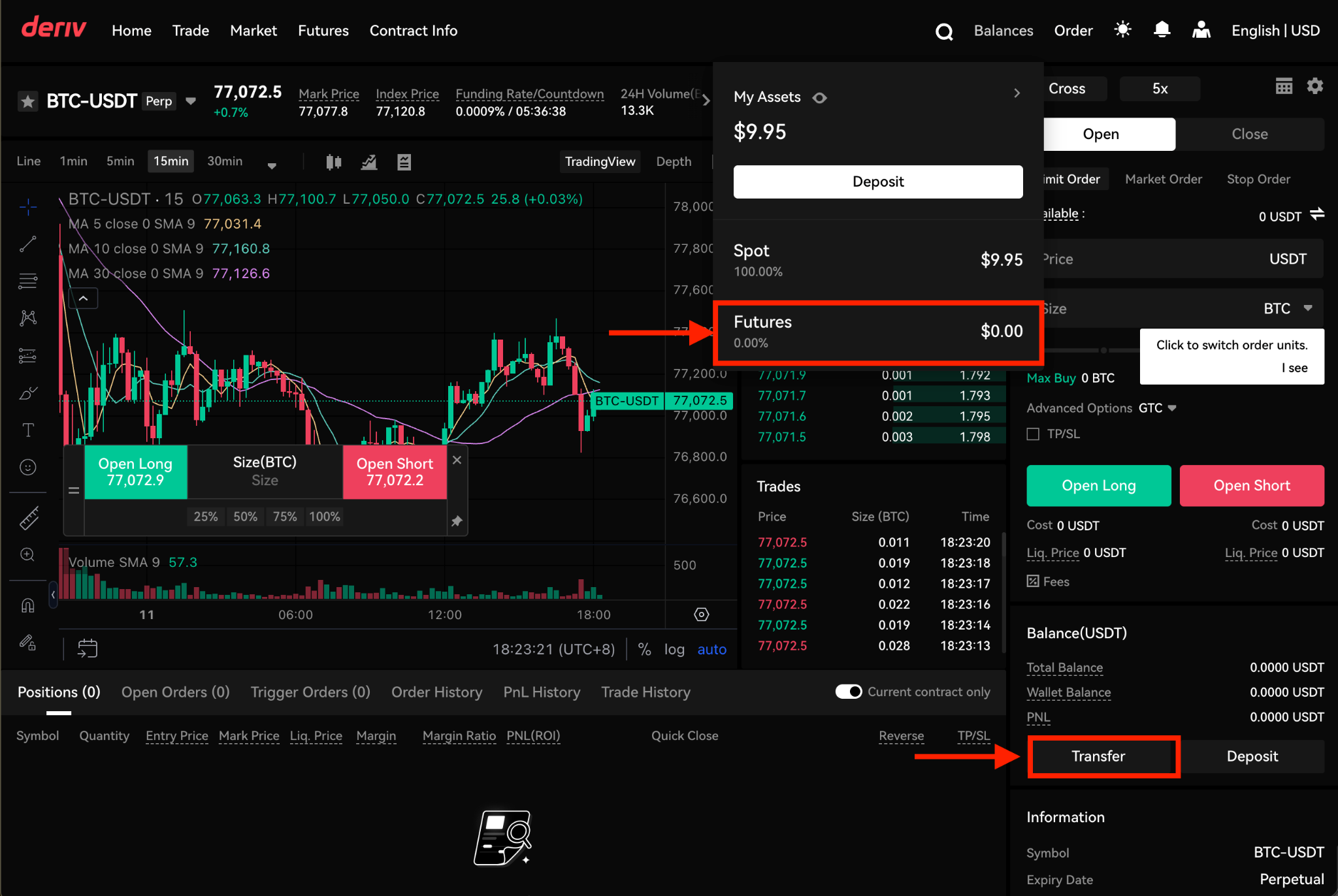
Step 6: Start trading
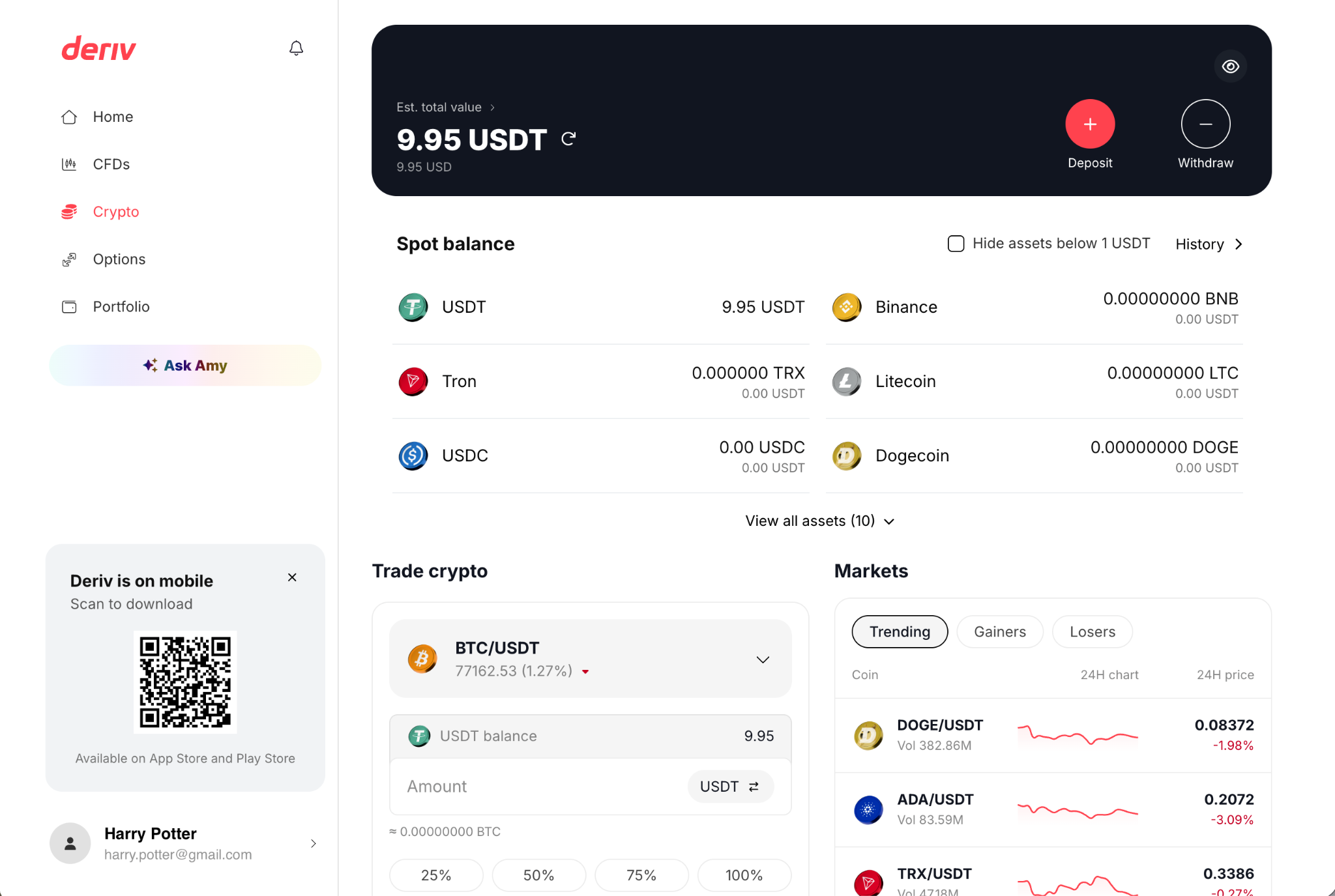
Simple mode (Trader's Hub): place market Buy/Sell orders directly from the Crypto tab once funds are in your Spot account. This is the fastest way to get exposure without extra setup.
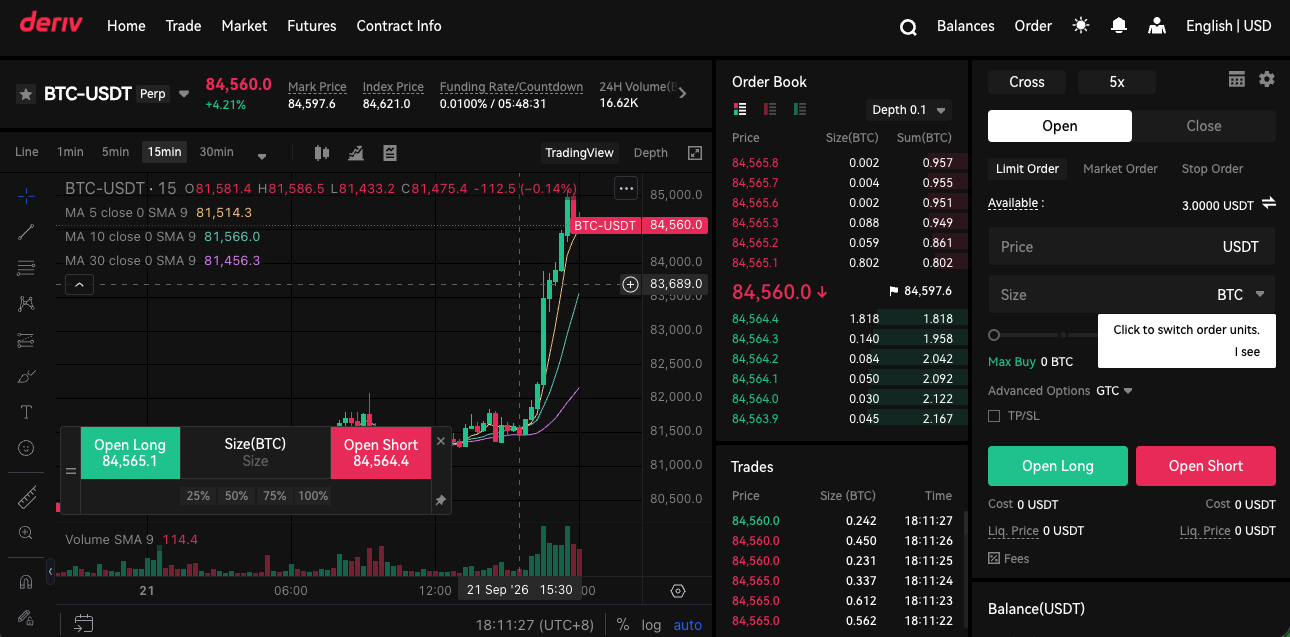
Advanced mode: switch here for Limit, Stop Limit, and Iceberg orders, or to trade Futures with leverage. Advanced mode is where the Spot and Futures order books, and additional order types, become available.
How to withdraw
When you're ready to cash out, transfer funds from the Exchange (Spot) back to your Deriv Wallet, then withdraw using your usual Deriv withdrawal method. Direct on-chain withdrawals from the Exchange aren't currently supported. Withdrawals go through your Deriv Wallet in the meantime.
Understanding Spot vs Futures on the Exchange
Once your funds are in, Deriv Crypto Exchange offers two ways to trade:
Key takeaway: Spot gives you straightforward ownership at current market prices, while Futures adds leverage. And with it, greater potential for both gains and losses. Choose based on how much risk you're prepared to take on, not just the upside.
Whichever you choose, it's worth thinking through your risk management approach before placing a trade: Position size, stop-loss levels, and how much of your total funds you're willing to allocate to crypto, especially given how quickly crypto prices can move. Past price behaviour doesn't predict future moves.
Things to remember
- Everything routes through your Deriv Wallet. There's currently no way to deposit or withdraw crypto directly on the Exchange. Your Deriv Wallet is always the middle step.
- Spot and Futures don't share a balance. To trade with leverage, you need to actively transfer USDT from Spot to Futures. Your Spot balance won't automatically top up Futures.
- Simple mode and Advanced mode serve different needs. Use Simple mode for quick market Buy/Sell orders. Move to Advanced mode for Limit, Stop Limit, or Iceberg orders, or to trade Futures.
- If something doesn't look right, or you can't complete a step, you can reach out through the Deriv Help centre or live chat for support.
Quiz
FAQs


